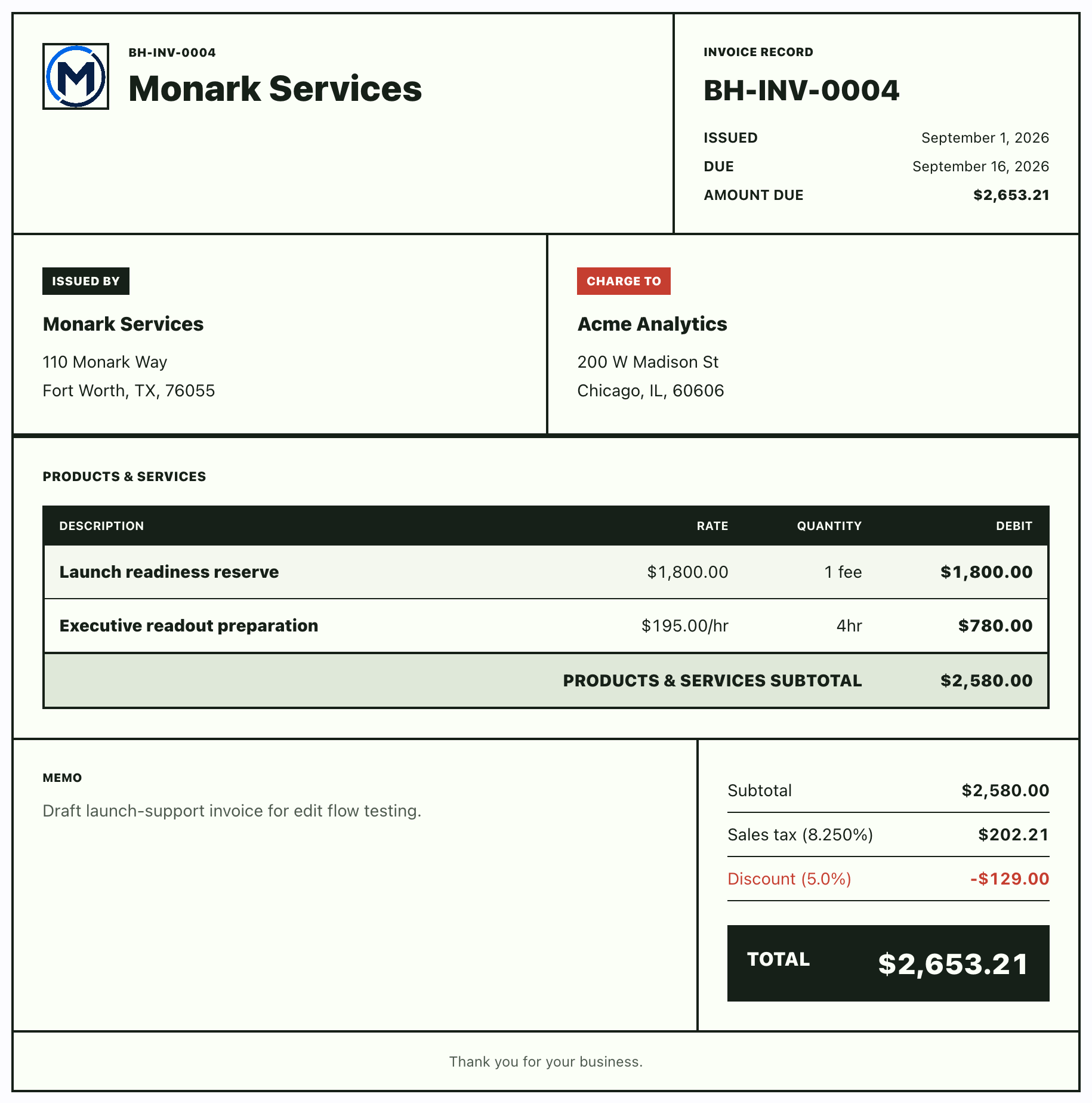
More value, less overhead
Fairly priced plans with billing tools built for independent professionals and small teams.
Track work, send invoices, and accept online payments through Stripe with affordable pricing and thoughtful automation for freelancers, contractors, and small service teams.
No credit card required
No signup required
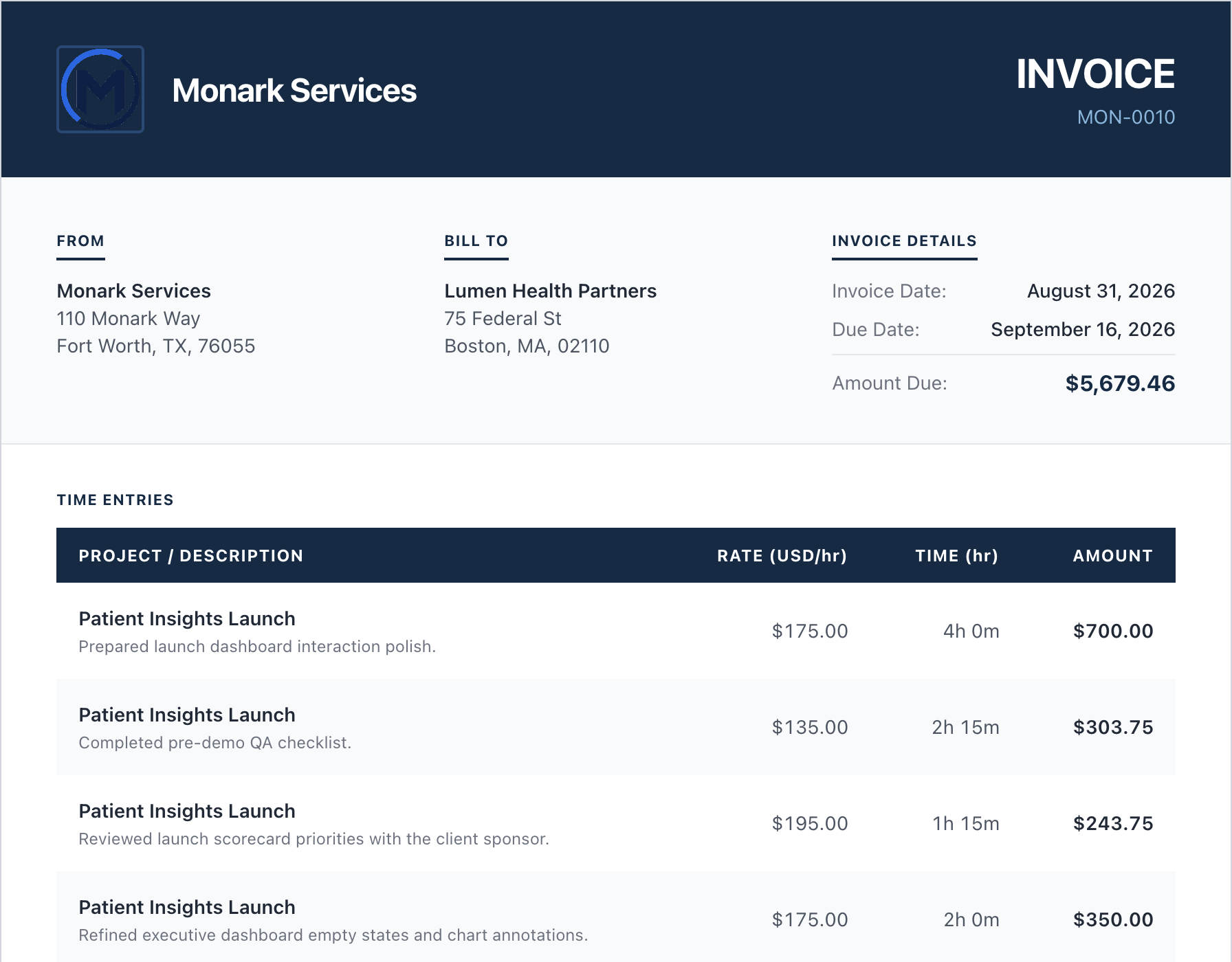
Fairly priced plans with billing tools built for independent professionals and small teams.
Estimates, time & expense tracking, and final invoice billing remain connected from start to finish.
Choose a plan that fits, or build only the advanced features your team needs.
Review and refine client-facing estimates and invoices before they reach the client, and capture expenses automatically.
90-day free trial
Choose any plan for 90 days with no credit card required. Standard pricing starts at $5 USD per organization per month.
Start Your Free TrialKeep your work, details, and billing connected from the first quote to the final invoice.
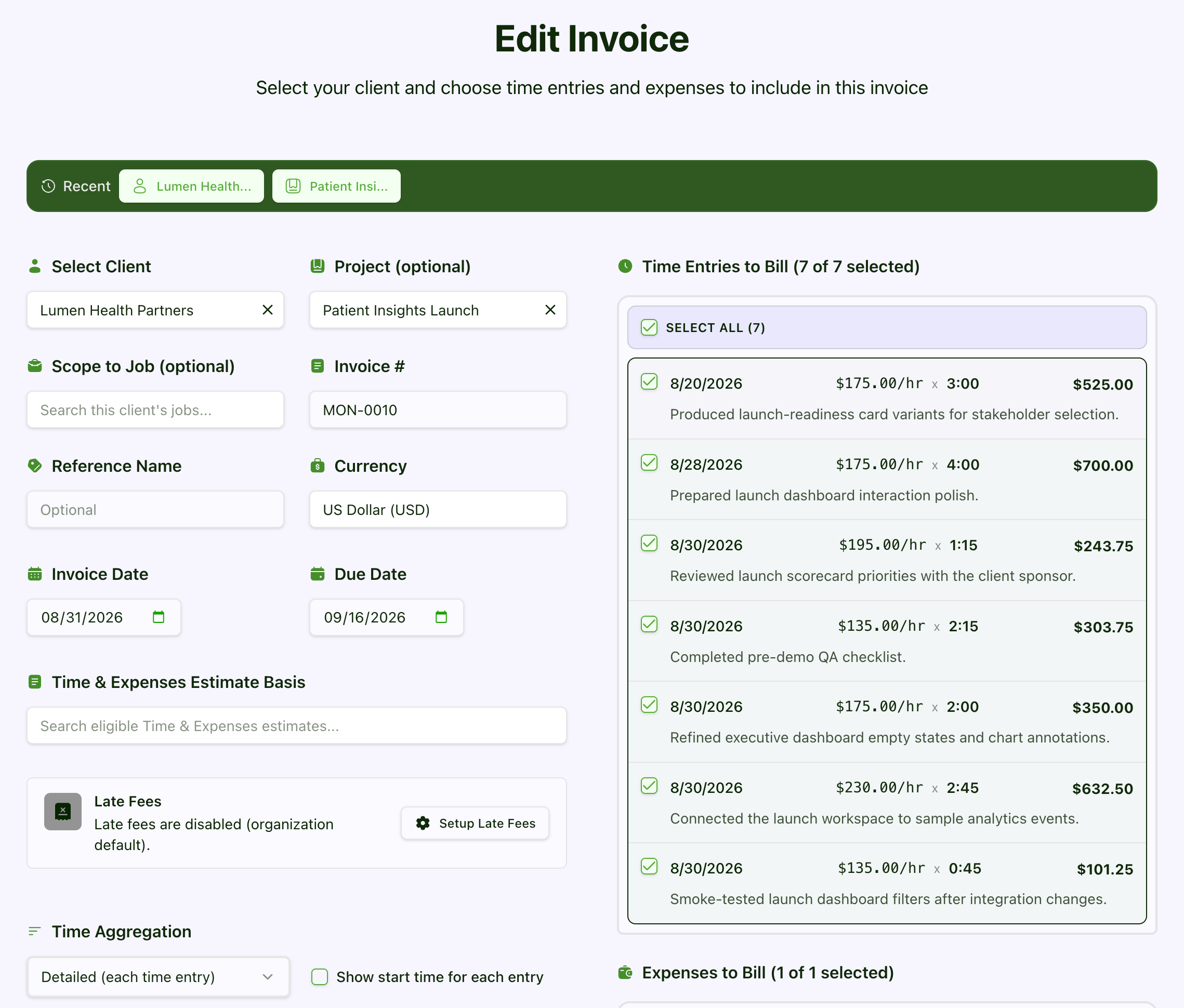
Invoice delivery, payments, credits, reminders, and account history in one place.
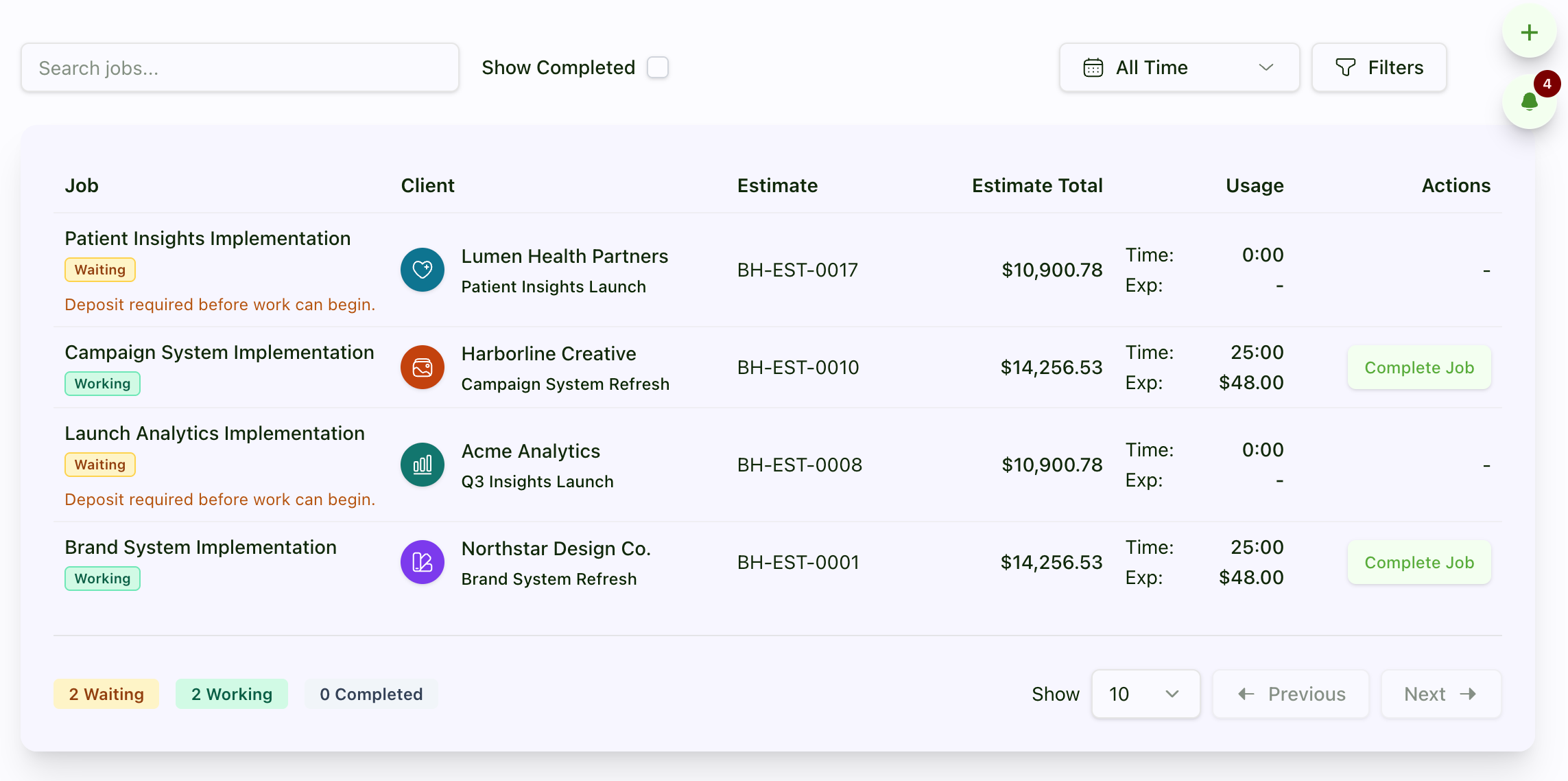
Send estimates for review, collect client acceptance, and turn accepted work into jobs.
A practical set of tools for keeping client work, billing records, and team follow-up in sync.
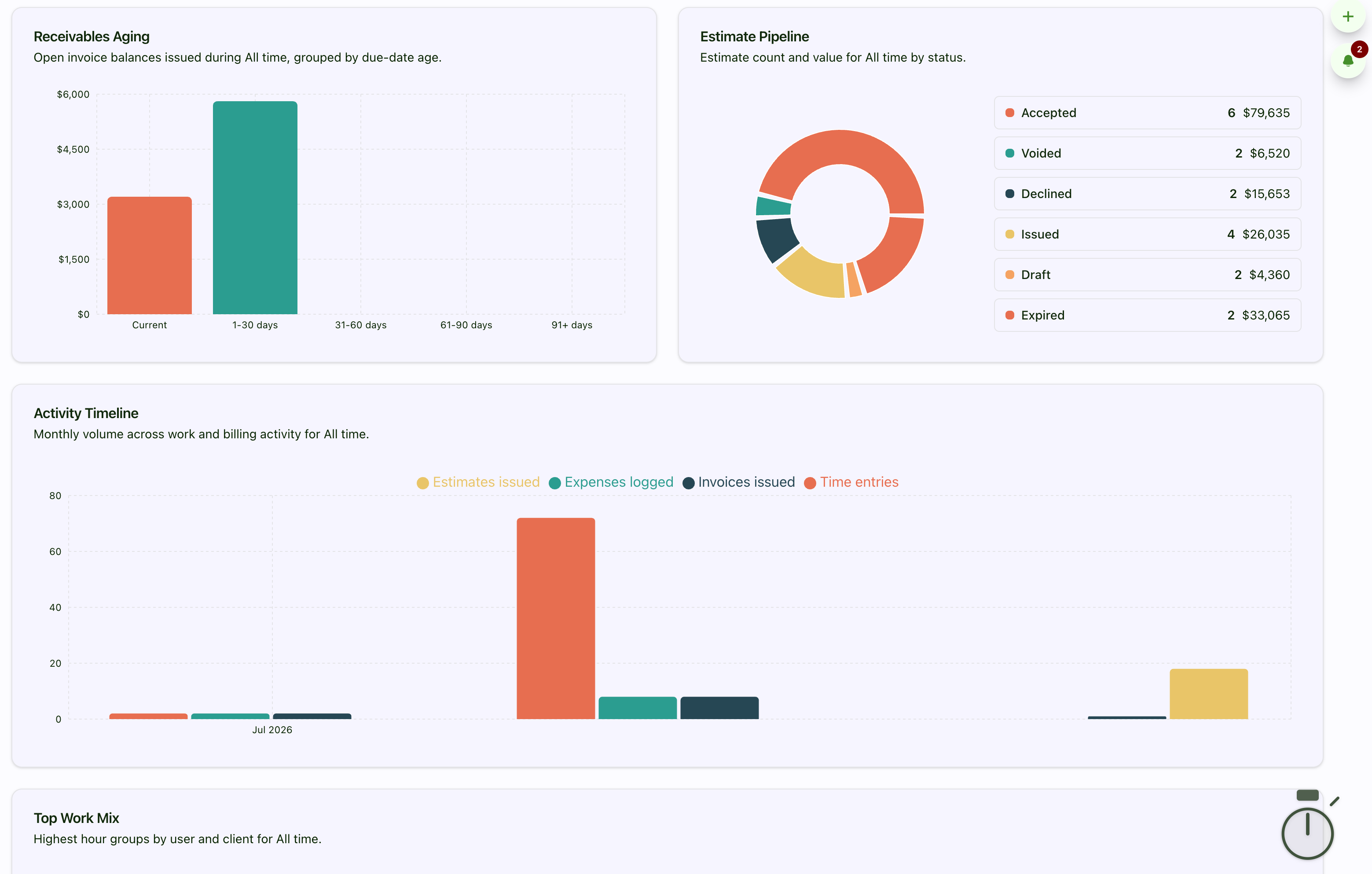
Monitor receivables aging, estimate pipeline, and activity trends from one reporting workspace.

Use Smart Rewrite, tone checks, and document review to help prevent billing errors and clarify communication to the client.

Track time from anywhere with pause, audible reminders, and job controls. Capture expenses manually or through automated entry by camera or upload.
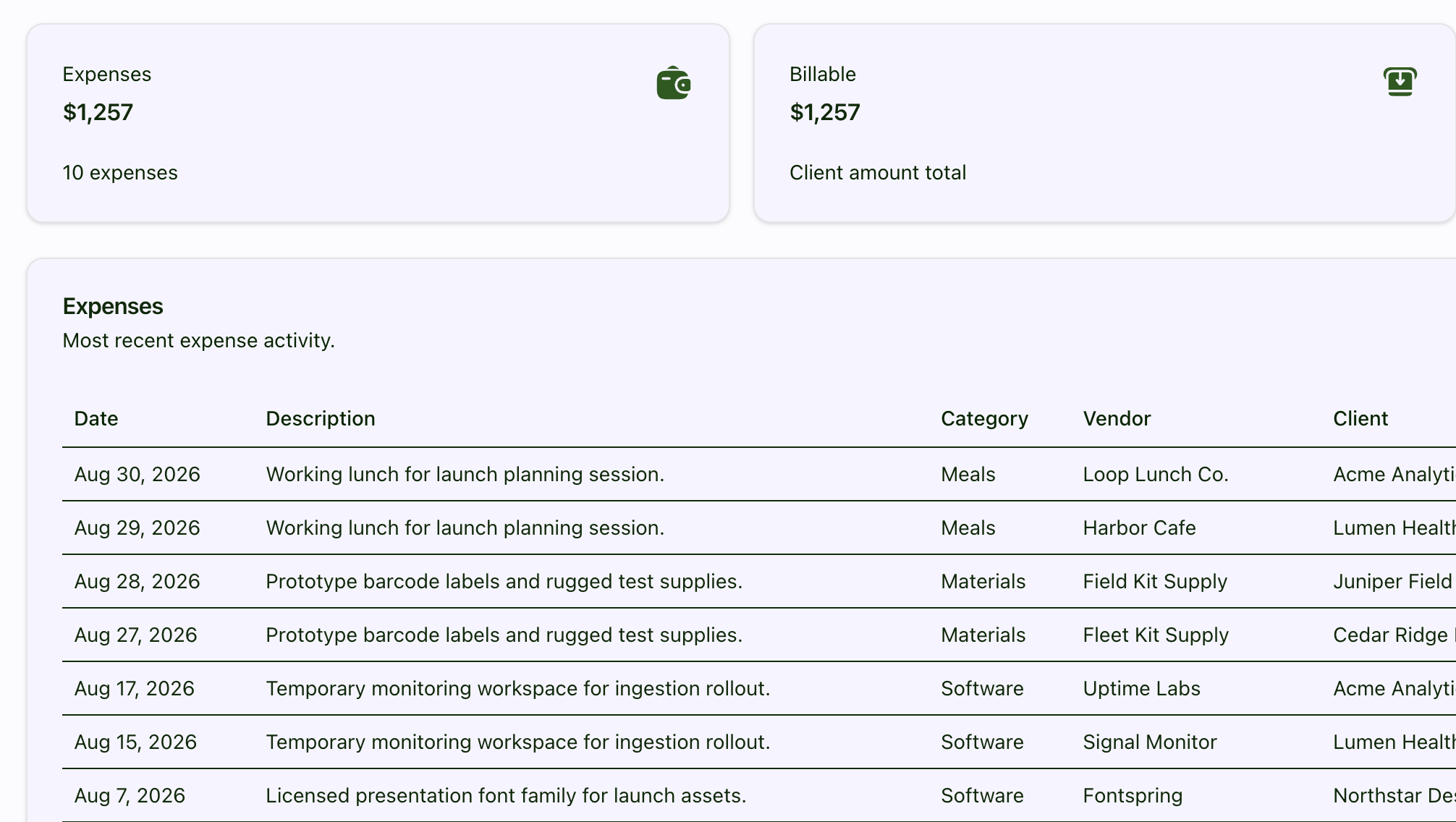
Filter receivables, revenue, time, expense, project, and estimate reports; schedule recurring delivery; and export organization records when needed.
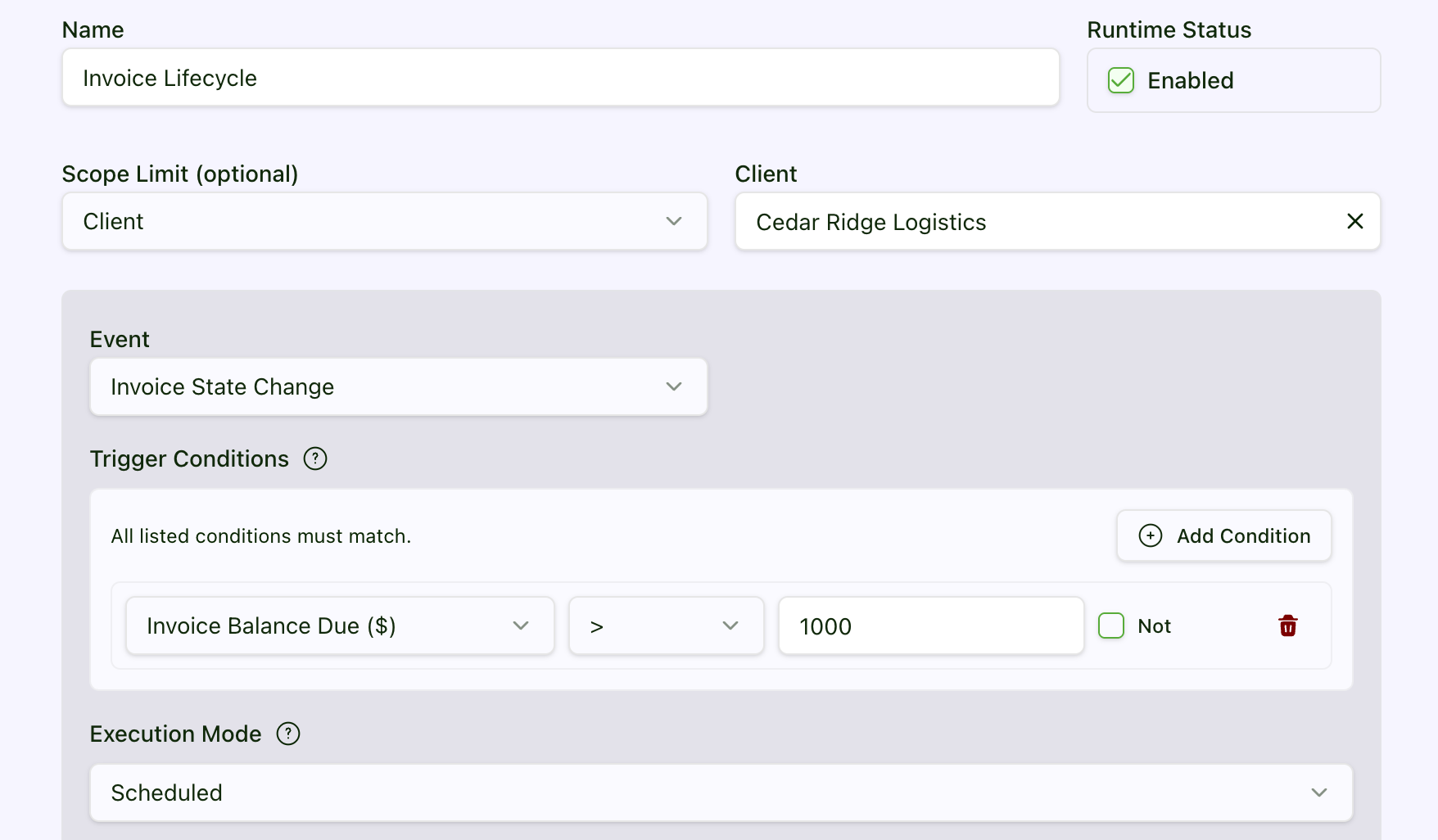
Use recurring billing, notification templates, and automation rules for reminders, unviewed documents, state changes, late fees, and job activity.
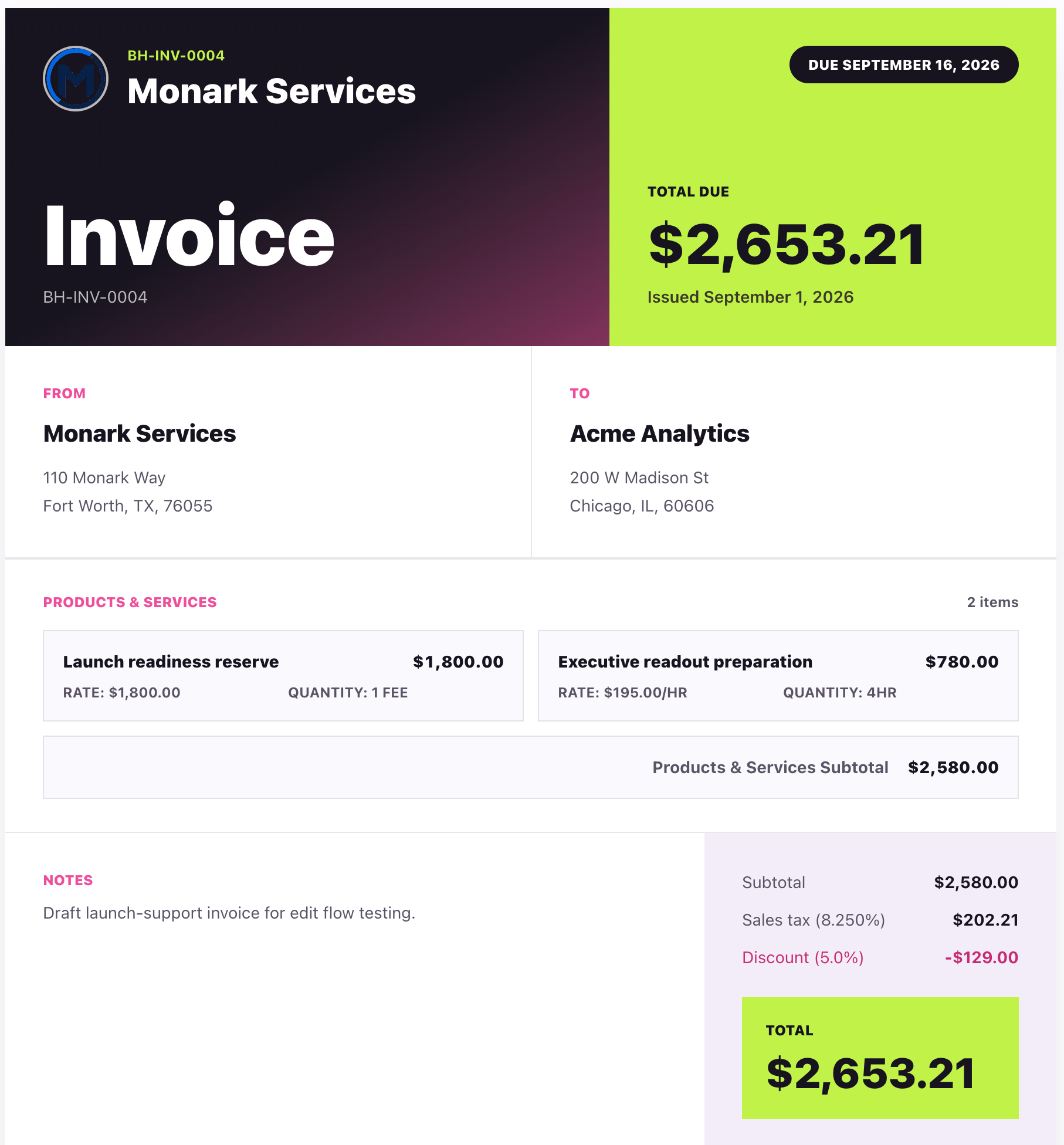
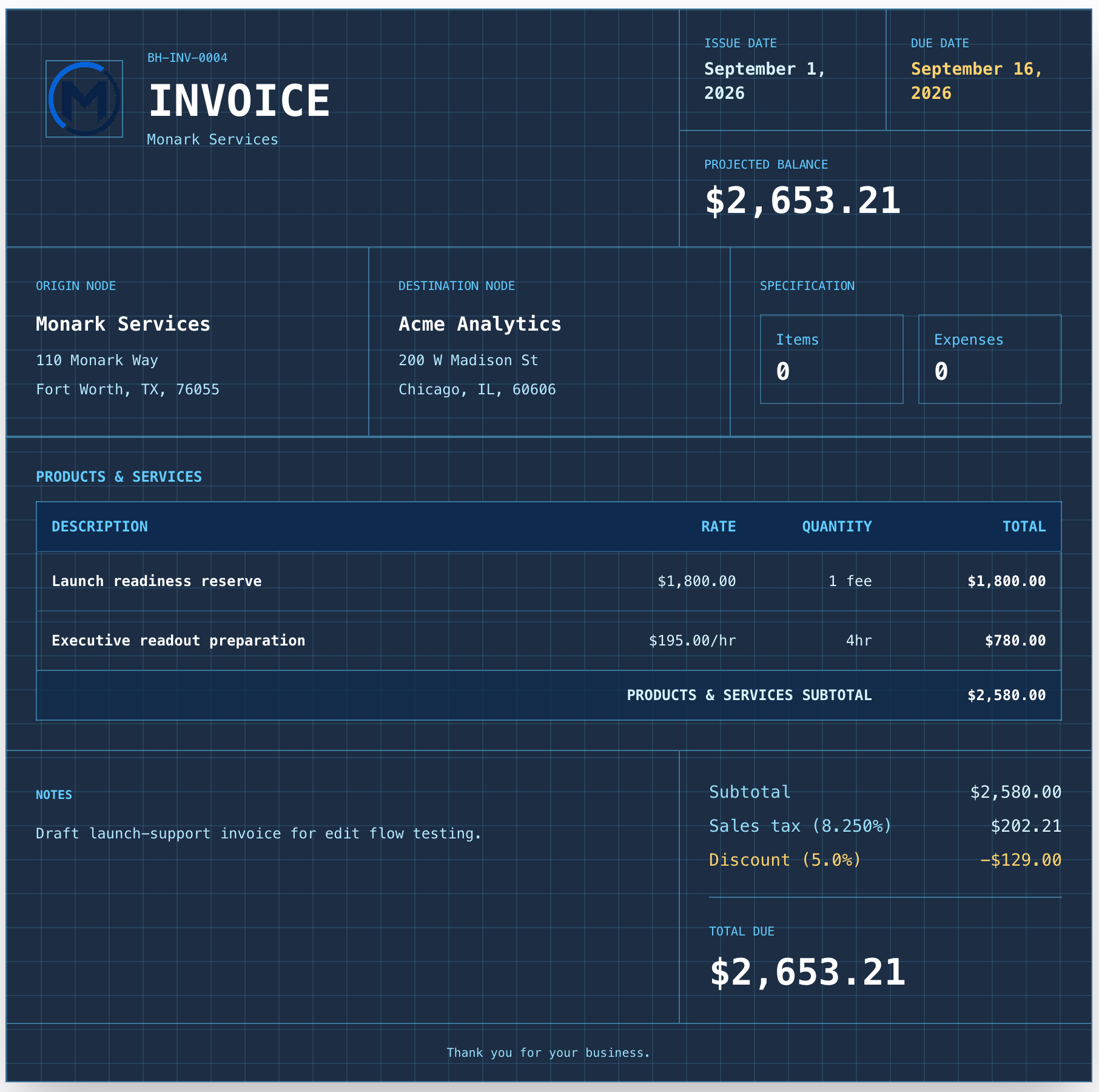
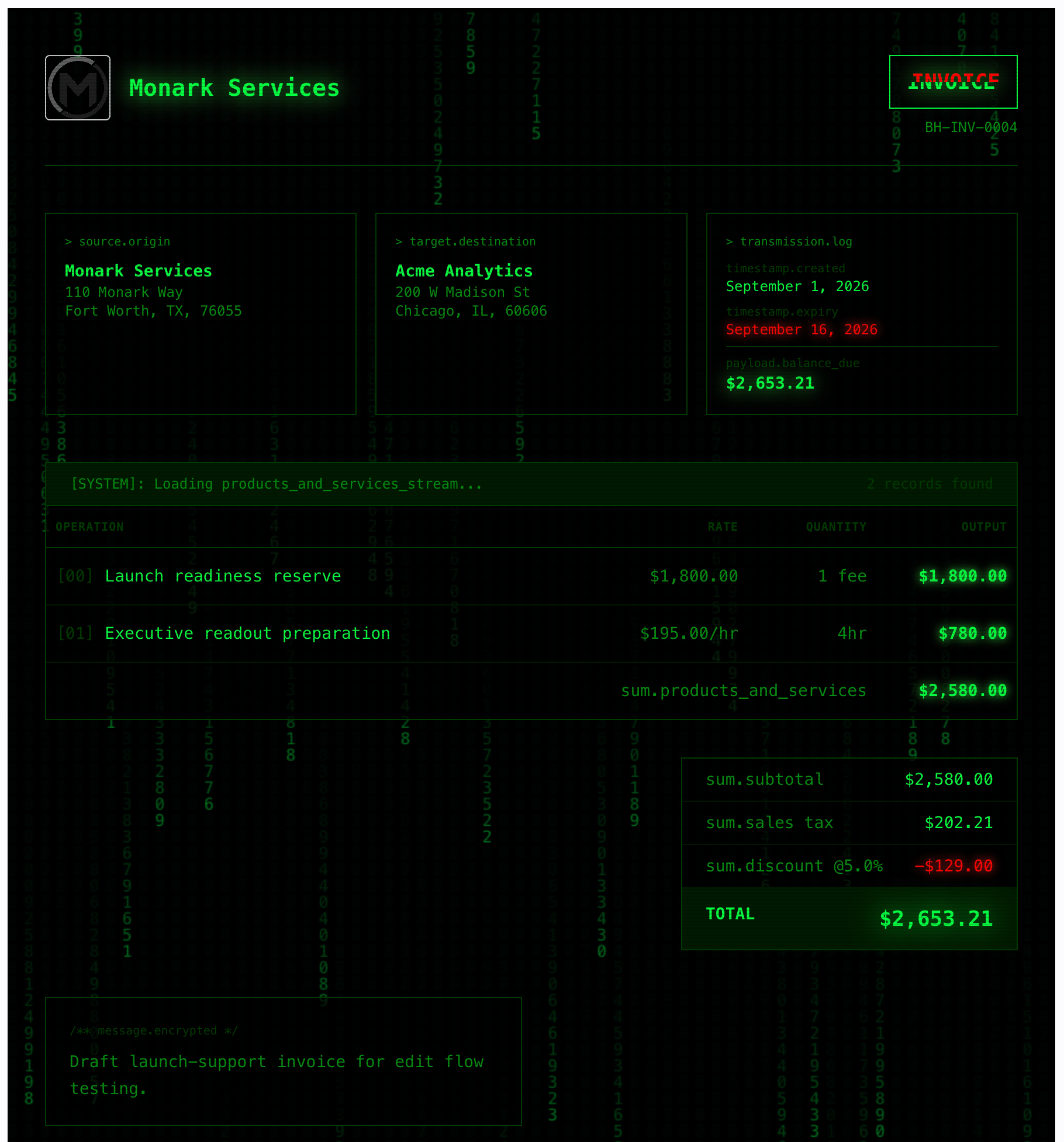
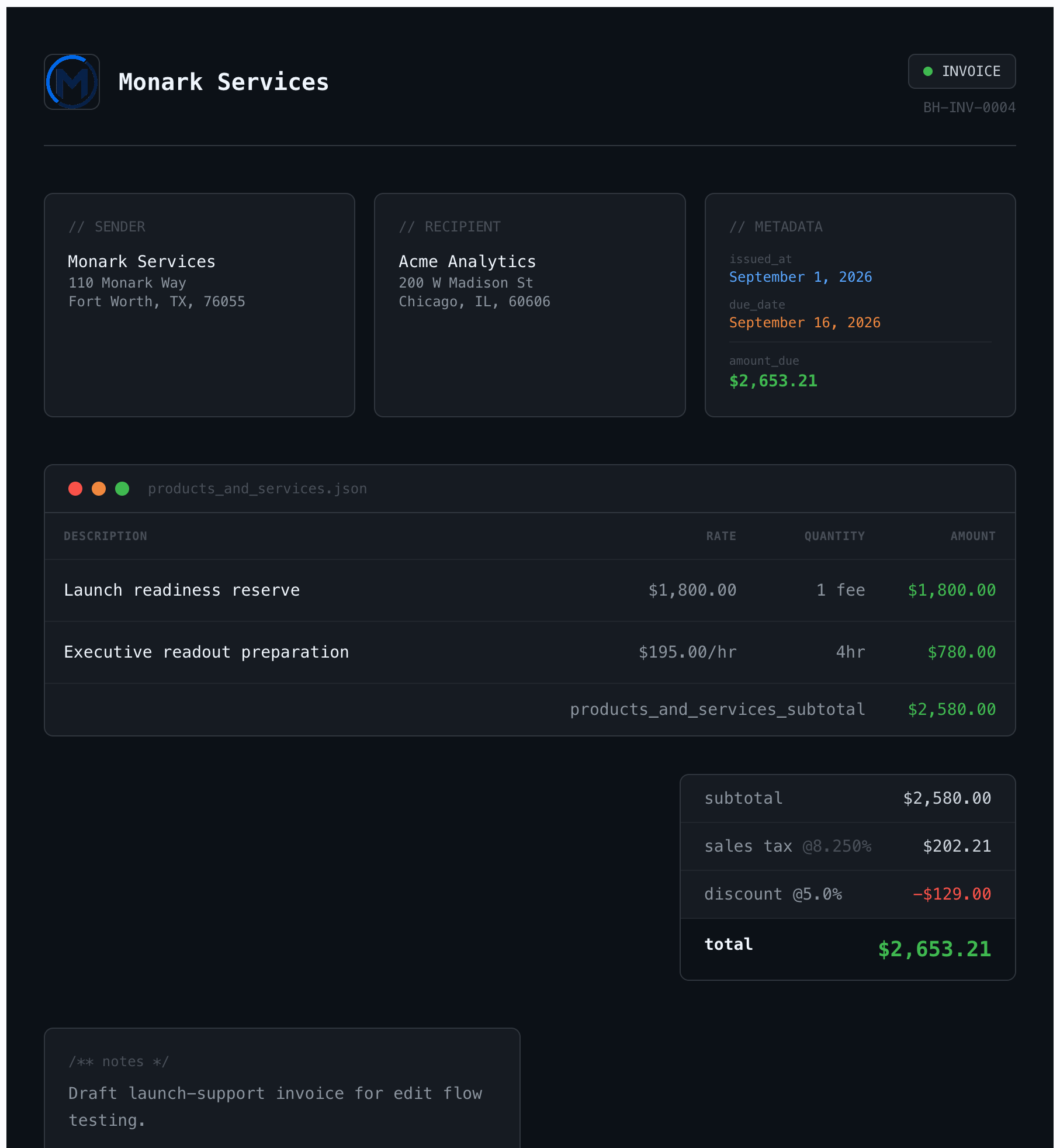
16 unique templates to choose from, some with optional animation effects
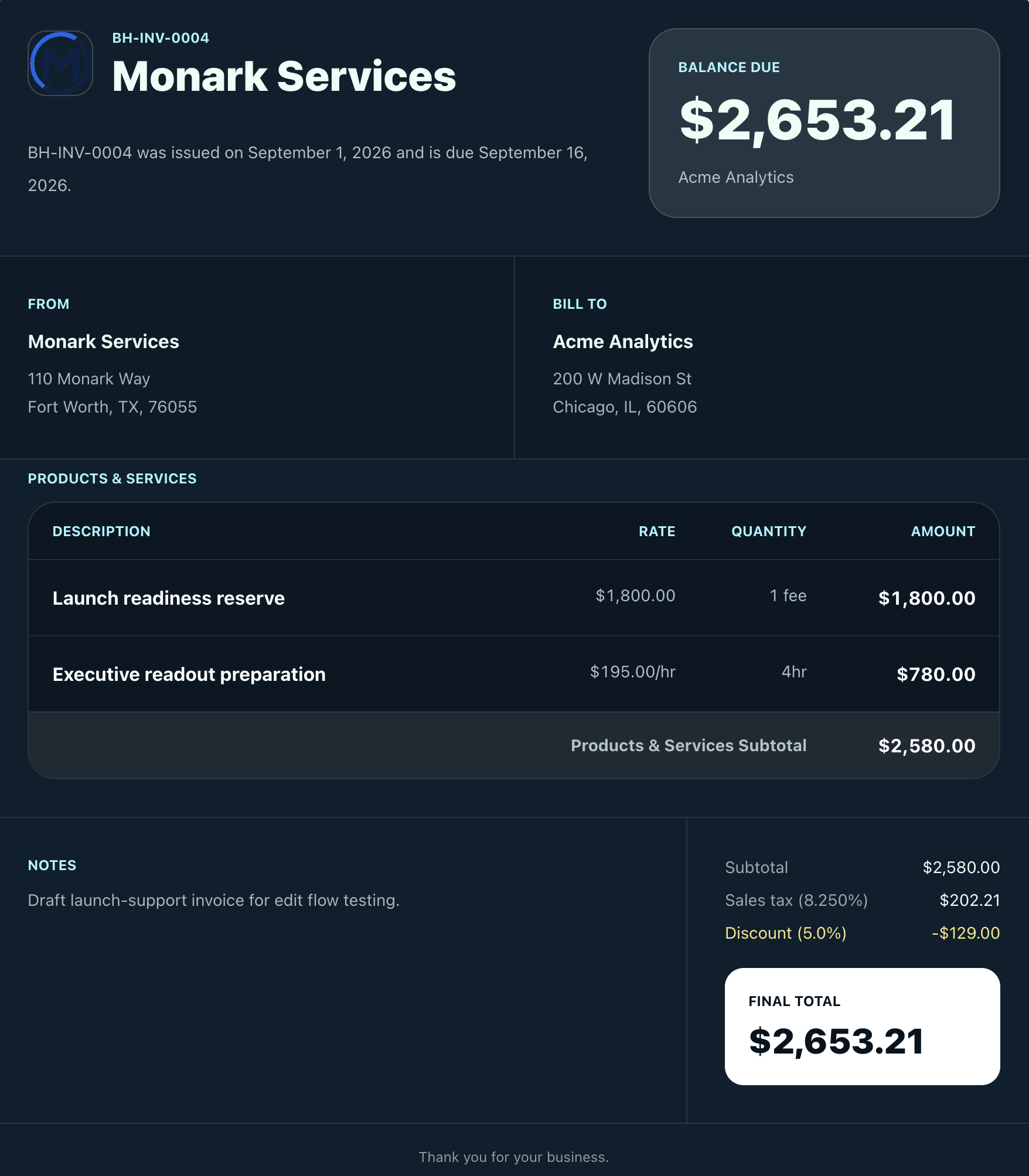
These capabilities round out the core workflow so teams can manage client communication, billing records, and internal controls with less follow-up.
Accept credit and debit card payments online through Stripe. Billable Hub adds no fees; Stripe processing fees apply.
Send estimates for client review and interactions, revisions, and signed acceptance records.
Schedule templates that either create invoices in draft or automatically send for recurring client billing.
Track payments, reductions, write-offs, refunds, and client credits against the invoice and client ledger.
Record expenses with categories, vendors, receipts, job links, and billing-state visibility. Capture manually or automatically via camera/upload.
Control team member access across the entire application through role-based access controls.
Use built-in invoice themes, billing profiles, logos, banners, footers, and custom layouts where enabled.
Route invoices, estimates, and any finance-related decisions through org, client, and even project-based user approval workflows.
Schedule filtered reports for daily, weekly, or monthly email delivery to selected team members.
Every plan starts with a 90-day trial (no credit card required). Prices exclude applicable taxes.
Core time tracking and invoicing for solopreneurs and small teams.
Welcome Savings
USD per organization · Includes plan seats
Monthly billing
$2.50 /month
First 6 paid months after trial, then the standard price of $5/month.
Annual billing
$22.50 /year
First paid year after trial, then the standard price of $45/year. Billed annually.
Subscribe by December 31, 2026 to use your automatically attached coupon. Keep your remaining trial days; the discount starts after your trial ends.
Advanced invoicing, expenses, automation, and expanded capacity.
Welcome Savings
USD per organization · Includes plan seats
Monthly billing
$7.50 /month
First 6 paid months after trial, then the standard price of $15/month.
Annual billing
$67.50 /year
First paid year after trial, then the standard price of $135/year. Billed annually.
Subscribe by December 31, 2026 to use your automatically attached coupon. Keep your remaining trial days; the discount starts after your trial ends.
Top-tier customization, reporting, team capacity, and AI receipt automation.
Welcome Savings
USD per organization · Includes plan seats
Monthly billing
$25 /month
First 6 paid months after trial, then the standard price of $50/month.
Annual billing
$225 /year
First paid year after trial, then the standard price of $450/year. Billed annually.
Subscribe by December 31, 2026 to use your automatically attached coupon. Keep your remaining trial days; the discount starts after your trial ends.
Create your account for a free 90-day trial and get started now.