
The correction email
You have to tell the client to ignore the invoice they just received and wait for another version.
Smart Review
Smart Review gives an invoice or estimate one more pass for anomalous issues before you issue it. Instead of trusting a tired final scan, the review provides a set of potential concerns to review while the document is still under your control.
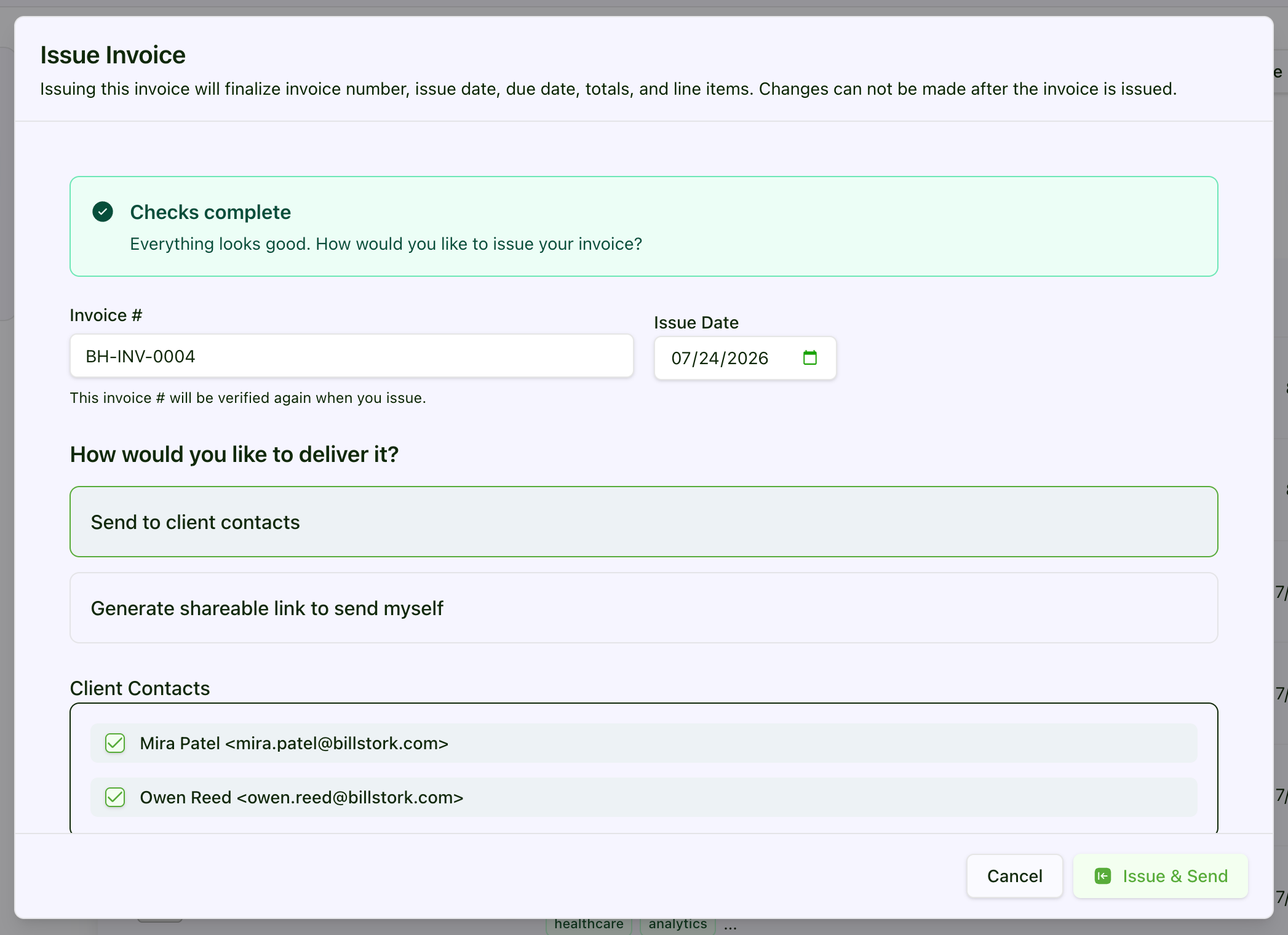
Before issue
Potential issue found
Pause, inspect the document, and decide whether anything needs to change before the client receives it.
The expensive moment
The arithmetic correction may take two minutes. The awkward email, client re-review, approval delay, and doubt about the rest of the invoice can last much longer.
You have to tell the client to ignore the invoice they just received and wait for another version.
Even a cooperative client may need to route the corrected document through review a second time.
Once one issue is visible, a client has a reason to question totals and descriptions that were otherwise fine.
A very ordinary save
You have finished an invoice after a full day of delivery work. You know the project, the client, and the charges so well that your eyes glide over the details. Smart Review is useful precisely because it is not as familiar with the document as you are: it looks for something anomalous before the Issue action makes the invoice client-facing.
The win is not dramatic automation. It is avoiding the corrected-invoice email you never had to send.

How it works
Smart Review sits before issuance, when a potential problem is still private, reversible, and inexpensive to investigate.
Prepare the invoice or estimate with its client, line items, terms, notes, and related billing context.
Invoke the AI-assisted review before the document is issued to the client.
Use the findings as prompts for a targeted human check, not as an automatic verdict.
Change the document when a finding is useful, dismiss it when it is not, and issue only when you are comfortable.
Practical payoff
Smart Review does not need to replace judgment to be valuable. It makes the final quality-control moment more deliberate for people who do not have a separate billing department.
Potential issues can be handled privately instead of becoming the subject line of a client correction email.
Review findings direct attention to possible concerns instead of asking you to scan every field again from scratch.
Solo operators and lean teams get another review step even when no dedicated billing specialist is available.
Honest boundary
Smart Review is AI-assisted. Its findings may be inaccurate, incomplete, or unsuitable, and it cannot know every contractual, tax, accounting, or client-specific rule that applies to your document.
Questions and answers
Specific answers about where this feature helps and where human judgment still matters.
Smart Review uses AI to review an invoice or estimate for anomalous issues such as an unusually large invoice compared to other invoices you have sent to the same client, duplicate line items, or line items with text unrelated to the project, before it is issued to the client. It returns findings for the user to inspect and act on as appropriate.
No. The feature is designed to assist the review. You remain responsible for evaluating findings, changing the document when needed, and deciding whether it is ready to issue.
No. AI output can be inaccurate or incomplete. Smart Review is an additional quality-control step, not a certification, professional opinion, or substitute for checking contractual, tax, accounting, and client requirements.
Yes. Smart Review is designed for both invoices and estimates before those documents are issued to a client.
That's the best part. You don't need to remember. It is run any time an estimate or invoice is issued.
Feature availability depends on the selected plan and add-ons. Check the pricing page for current availability and subscription details.
More friction to remove
Every plan starts with a 90-day trial (no credit card required). Prices exclude applicable taxes.
Core time tracking and invoicing for solopreneurs and small teams.
Welcome Savings
USD per organization · Includes plan seats
Monthly billing
$2.50 /month
First 6 paid months after trial, then the standard price of $5/month.
Annual billing
$22.50 /year
First paid year after trial, then the standard price of $45/year. Billed annually.
Subscribe by December 31, 2026 to use your automatically attached coupon. Keep your remaining trial days; the discount starts after your trial ends.
Advanced invoicing, expenses, automation, and expanded capacity.
Welcome Savings
USD per organization · Includes plan seats
Monthly billing
$7.50 /month
First 6 paid months after trial, then the standard price of $15/month.
Annual billing
$67.50 /year
First paid year after trial, then the standard price of $135/year. Billed annually.
Subscribe by December 31, 2026 to use your automatically attached coupon. Keep your remaining trial days; the discount starts after your trial ends.
Top-tier customization, reporting, team capacity, and AI receipt automation.
Welcome Savings
USD per organization · Includes plan seats
Monthly billing
$25 /month
First 6 paid months after trial, then the standard price of $50/month.
Annual billing
$225 /year
First paid year after trial, then the standard price of $450/year. Billed annually.
Subscribe by December 31, 2026 to use your automatically attached coupon. Keep your remaining trial days; the discount starts after your trial ends.
Start with a 90-day trial
Add a deliberate review step before the next invoice or estimate leaves your workspace.